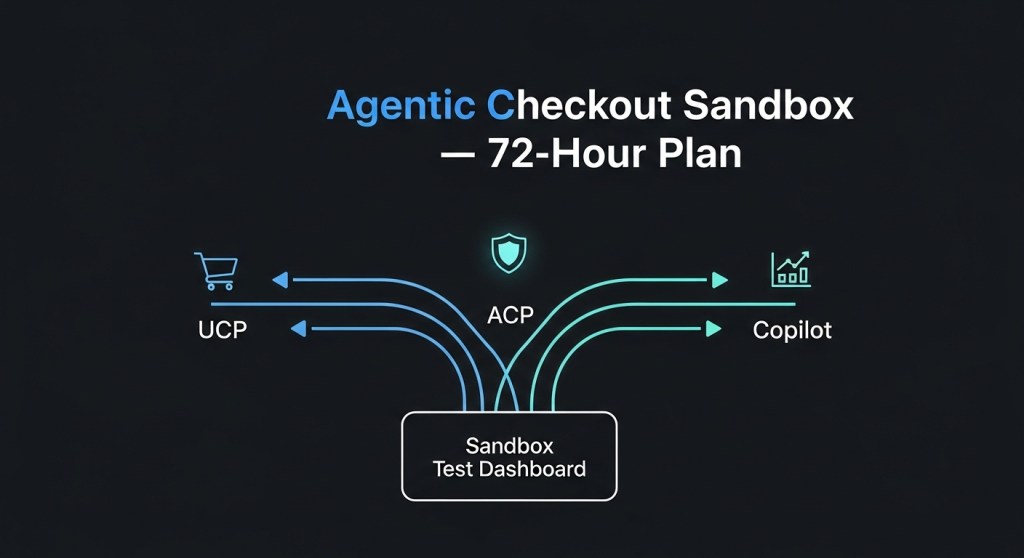
Ship an Agentic Checkout Sandbox in 72 Hours: UCP, ACP and Copilot Checkout Test Plan for Founders (Jan 30, 2026)
AI‑led shopping just accelerated again. Google’s Universal Commerce Protocol (UCP) is rolling out in Search/Gemini, OpenAI’s Agentic Commerce Protocol (ACP) and Instant Checkout are live with Stripe, and Microsoft’s Copilot Checkout continues to expand. Retailers like JD Sports already flipped the switch for in‑chat purchasing across Gemini, Copilot, and ChatGPT (TNW). If you’re a founder or e‑commerce lead, the question is no longer “if”—it’s “how fast can we test safely?”
Who this plan is for
Startup founders, e‑commerce operators (Shopify, WooCommerce, and headless), and growth leaders who need a low‑risk, fast way to validate agentic checkout before enabling it in production.
What you’ll get in 72 hours
- A working sandbox across UCP (Gemini AI Mode), ACP/Instant Checkout (ChatGPT), and Copilot Checkout.
- End‑to‑end test scripts for discovery → cart → payment → post‑purchase.
- Privacy, pricing‑parity, and fraud guardrails you can carry into prod.
- Measurement that ties agentic orders to revenue—before you scale budget.
Tip: If you just need a partner to stand this up, HireNinja can deploy an agent‑readiness sprint for you.
Day 1 — Wire up the sandbox foundations
1) Pick channels and environments
- Gemini AI Mode (UCP): validate price‑tracking triggers and agentic checkout flows Google previewed for U.S. listings.
- ChatGPT (ACP + Instant Checkout): verify in‑chat purchase with Stripe and PayPal options as they roll out.
- Microsoft Copilot Checkout: confirm product detail handoff and one‑click payment.
2) Payments and risk in test
- Stripe: test keys + 3DS/ACS simulation; log SCA outcomes and soft declines.
- PayPal: sandbox accounts for buyer/seller; validate dispute hooks ahead of ACP scale‑up.
- Google Pay: stage wallet and shipping profiles for UCP‑driven purchases.
Prioritization help: The Payments Play in Agentic Checkout.
3) Product feed and metadata
- Expose a clean, up‑to‑date product feed (price, inventory, variants, rich attributes).
- Add QA Q&A snippets and returns policy to product data; agents surface these during conversations.
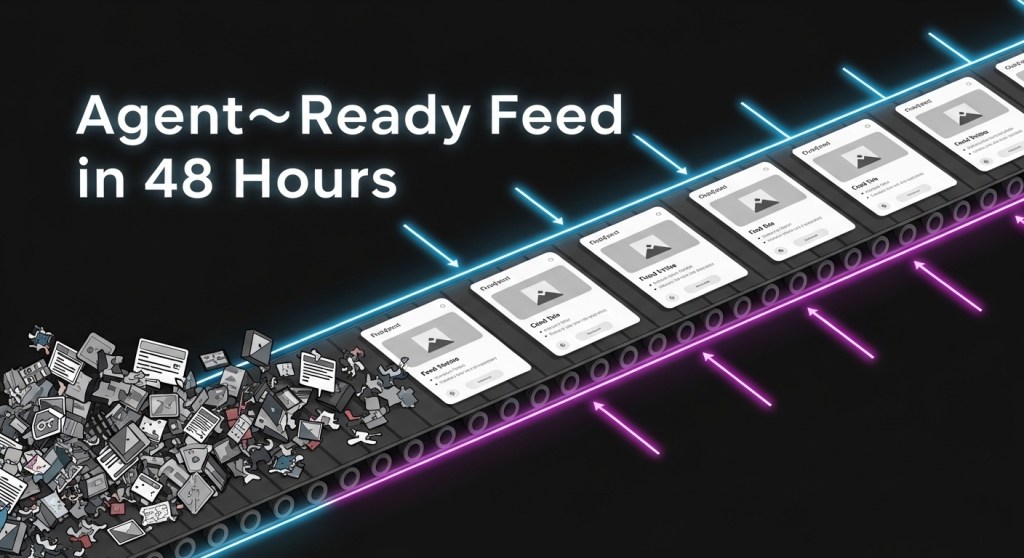
Use this 48‑hour recipe: Ship an Agent‑Ready Product Feed in 48 Hours.
4) Privacy and pricing‑parity baseline
- Publish an agentic consent notice in your checkout terms. Keep scopes explicit and revocable (a recent consumer watchdog dust‑up shows why clarity matters).
- Set price‑parity rules between site and agent channels; log every override with reason codes.
Use our checklist: 48‑Hour Privacy & Pricing Checklist.
5) Discovery/Ranking prep (AASO)
Seed your business/agent profiles and structured answers so you actually show up in agent results. Start here: AASO in 2026: How to Rank.
Day 2 — Run the conversations and break things (safely)
6) Conversation → checkout scripts
- Discovery: Ask for a product with constraints (size/color/budget). Confirm agents respect inventory and variant availability.
- Price tracking: In Gemini, set a target price and wait for the trigger; confirm the agent fills the merchant cart with correct SKU.
- Cart math: Validate taxes, shipping, and coupons; check rounding and minimums.
- 3DS/ACS: Force friction and frictionless flows; ensure fallbacks and messaging are clear.
- Order creation: Confirm order IDs sync to OMS/ERP and that receipts honor your brand voice.
7) Edge‑case drills
- Out‑of‑stock mid‑flow: Agent offers nearest acceptable alternative with price delta under X%.
- Address changes: Edits late in the flow don’t drop cart/discounts.
- Coupons: Prevent stacking exploits; rate‑limit retries.
- Returns & cancellations: Agent can initiate RMA, generate label, and restock correctly.
8) “Let the AI call your store” test
Google’s AI can now call stores for inventory/price checks. Configure your IVR/phone tree and train staff to handle agent calls; log transcripts back to CRM. See context: TechCrunch and our guide Google’s AI Will Call Your Store Next.
9) Abuse & fraud simulations
- Velocity limits for price‑tracking buy triggers.
- Block coupon brute force; alert on unusual chat prompts linked to discounts.
- Dynamic‑pricing guardrails: flag anomalies; maintain documented parity policies.
Day 3 — Measurement, readiness, and go/no‑go
10) Measurement you can trust
- UTM and server‑side events per channel (UCP/Gemini, ACP/ChatGPT, Copilot).
- Order source stored on the transaction; reconcile against payment metadata.
- Incrementality: holdout by category or geo for a week before full roll‑out.
Follow the playbook: Measure Agentic Checkout ROI.
11) Founder go‑live checklist
- At least 20 successful end‑to‑end orders per channel without manual intervention.
- 3DS success rate within your baseline ±5%.
- Price‑parity violations = 0 in the past 24 hours.
- Consent logs stored and exportable.
- Agent transcripts searchable in your analytics/BI.
Cross‑reference with our Decision Guide and the 10‑Day Plan.
KPIs for week one
- Agent‑assisted conversion rate vs. site baseline.
- Time‑to‑purchase and approval rate (3DS/ACS).
- Refund/chargeback rate from agent orders.
- Price‑tracking trigger → purchase rate in Gemini AI Mode.
- NPS/CSAT for agent conversations and post‑purchase support.
Why now?
Momentum is real: Google’s UCP aims to standardize agent‑to‑merchant flows; OpenAI is opening ACP and in‑chat checkout with Stripe and PayPal; and retailers are already transacting inside chat. The direction of travel is clear. Waiting won’t make the work smaller—just riskier.
Stay current with our weekly briefings: Jan 28 Briefing and 7‑Day Plan.
Need a partner?
HireNinja builds and runs AI agent workflows for founders—from product feeds and consent flows to checkout QA, fraud rules, and analytics. If you want this 72‑hour sandbox delivered for you, get started here.

 HireNinja: Blog