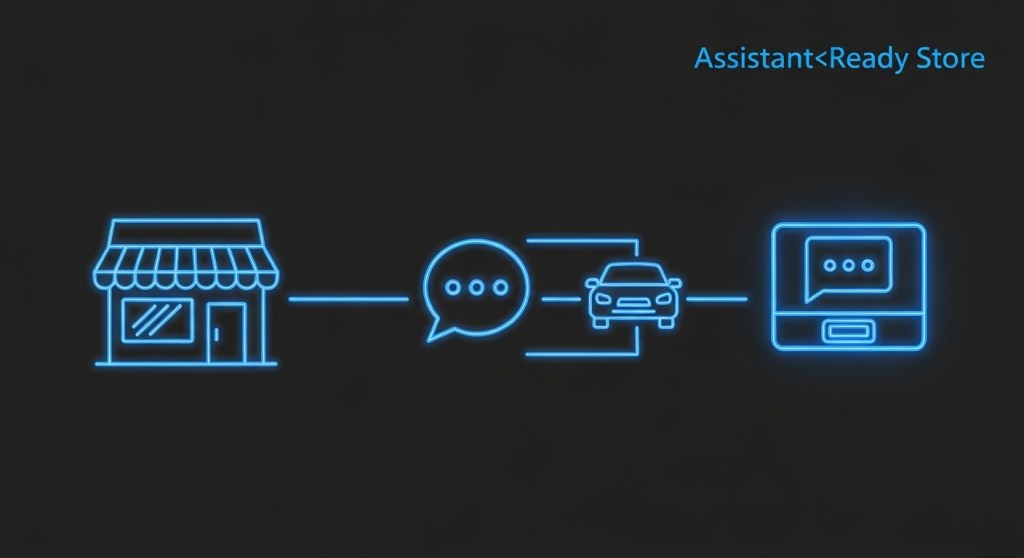
Turn Shopify and WooCommerce into Assistant‑Ready Stores in 48 Hours: Alexa+, Web Chat, and In‑Car
January 6, 2026 • For founders, e‑commerce leads, and support teams
Shoppers aren’t just typing—they’re asking, tapping, and driving. If your products and services can’t be found and purchased through assistants like Alexa+, your web chat, or in‑car systems, you’re leaving revenue on the table. This 48‑hour field guide shows you how to make Shopify or WooCommerce assistant‑ready fast: what data to expose, how to handle intent, which flows to ship first, and how to measure the funnel end‑to‑end.
We’ll build on recent playbooks for Alexa+ local booking SEO, assistant analytics, and messaging migrations, then package everything into a 2‑day launch plan.
Day 1 — Make Your Catalog and Services Assistant‑Discoverable
1) Map top intents (start with 12)
- Browse: “Show me [category] under $X.”
- Product facts: size, color, materials, delivery time, return policy.
- Availability: in stock, back‑in‑stock ETA, local pickup options.
- Comparisons: A vs B, bestsellers, staff picks, rating thresholds.
- Promos: active discounts, bundles, and free‑shipping thresholds.
- Checkout aids: add to cart, apply code, choose size, confirm address.
- After‑purchase: order status, exchanges, warranty claims.
- Services/booking: appointment types, duration, price, earliest slot.
- Policies: returns, exchanges, warranty, sustainability.
- Store facts: hours, phone, locations, holiday changes.
- Human handoff: “Talk to a person,” escalation paths.
- Lead capture: email/phone when we can’t complete the task.
2) Expose voice‑friendly product data
Assistants do better when your product data is structured and concise. Ensure each product has: title, short description (120–160 chars), price, availability, variants, primary image, and 1–2 differentiators (“organic cotton,” “MFi‑certified”). Add JSON‑LD so assistants can parse context.
Example Product JSON‑LD (drop into your product template):
{
  "@context": "https://schema.org",
  "@type": "Product",
  "name": "Acme Merino Hoodie",
  "image": ["https://cdn.example.com/hoodie.jpg"],
  "description": "Soft merino hoodie with zip, machine washable.",
  "sku": "HD-MERINO-001",
  "brand": {"@type": "Brand", "name": "Acme"},
  "offers": {
    "@type": "Offer",
    "priceCurrency": "USD",
    "price": "89.00",
    "availability": "https://schema.org/InStock",
    "url": "https://store.example.com/products/merino-hoodie"
  },
  "aggregateRating": {
    "@type": "AggregateRating",
    "ratingValue": "4.6",
    "reviewCount": "132"
  }
}
For services/appointments, publish a simple availability feed (service name, duration, price, next 10 timeslots) or connect your booking provider. For local businesses, revisit our Alexa+ booking SEO checklist.
3) Create a lightweight Assistant API
You don’t need a full headless rebuild. A thin read‑only layer gives assistants exactly what they need, quickly:
GET /assistant/products?query=hoodie&max_price=100&limit=5GET /assistant/product/{id}→ title, summary, options, price, stock, delivery windowGET /assistant/deals→ current promos and thresholdsGET /assistant/availability?service=studio_cleaning
Return compact JSON with concise summaries (one‑sentence pitch) ready to read aloud or show in a chat card.
4) Prep conversational snippets
Write short, natural sentences assistants can use verbatim. Examples:
- “The Merino Hoodie is $89 and in stock in sizes S–XL. Free shipping starts at $100.”
- “Earliest studio cleaning is Thursday at 2:30 PM. Want to book it?”
- “We’re out of black in Medium, but charcoal is available today.”
Day 1 — Ship your first flows
5) Three flows to launch first
- Guided browse → add to cart: category intent + 3 picks + a clear CTA.
- Availability & delivery: real‑time stock and next‑day eligibility.
- Lead capture fallback: if payment can’t complete in‑assistant, collect email/phone and send a magic‑link checkout.
6) Web chat that sells (not just supports)
Add 24/7 web chat that can browse catalog, answer FAQs, and hand off to humans. Use quick‑replies (“Bestsellers,” “Under $50,” “Track my order”) and always show a 1‑click checkout link when a product is selected. See our 48‑hour voice + web chat playbook.
Day 2 — Payments, Hand‑Offs, and Analytics
7) Close the loop on checkout
- Magic‑link checkout: generate a short‑lived, prefilled cart link.
- Promo code logic: auto‑apply the best eligible code; explain the savings in one line.
- Address validation: prompt early to avoid last‑minute failures.
8) Human handoff that feels native
Define a handoff protocol for high‑intent moments: OOS alternatives, expensive items, custom sizing. Route to live chat, SMS, or email with the full conversation context attached so customers never repeat themselves.
9) Instrument the assistant funnel
If you can’t measure it, you can’t improve it. Track these events with UTMs per channel (voice, web chat, in‑car):
- assistant_intent_detected (browse, compare, price, availability)
- assistant_result_viewed (impressions)
- assistant_add_to_cart
- assistant_checkout_start
- assistant_checkout_complete
- assistant_lead_captured (email/phone)
- assistant_handoff_started and …_resolved
Build the dashboard described in our Assistant Analytics blueprint so you can see conversion by channel and intent.
Guardrails & Compliance
Assistants must be accurate, respectful, and policy‑aware. Before scaling traffic:
- Consent & disclosure: disclose automation and capture consent for notifications (email/SMS).
- Data minimization: only store what you need; set clear retention windows.
- Policy routing: when a channel’s policies change, gracefully route users to web chat or email. Use our 2026 Compliance Playbook for templates.
- Safety checks: ban risky prompts (age‑restricted items, medical claims) and provide human review paths.
Assistant‑Ready Checklist (Copy/Paste)
- Add JSON‑LD to top 50 products; confirm price, stock, delivery windows.
- Publish
/assistant/*endpoints with concise summaries. - Ship 3 flows: browse → cart, availability, lead capture fallback.
- Enable web chat with quick replies and human handoff.
- Implement magic‑link checkout; auto‑apply promos.
- Track events + UTMs; build intent‑to‑purchase dashboard.
- Turn on consent prompts and retention policies.
What Good Looks Like (Examples)
- Fashion: “Show me hoodies under $100.” Assistant returns 3 options with sizes; user adds Medium; checkout link with free‑shipping note at $100+ nudges an accessory upsell.
- Home services: “Book a deep clean this week.” Assistant lists two time slots and a fixed price; user books; confirmation email + calendar invite sent.
- Electronics: “Compare these two earbuds.” Assistant summarizes battery life, ANC, water rating, and warranty in three lines; offers bundle discount.
Ship faster with HireNinja
HireNinja helps founders ship assistant‑ready experiences without a ground‑up rewrite—catalog parsing, policy‑aware flows, magic‑link checkout, lead capture, and analytics stitched together for web, voice, and in‑car. See how it works:
Next up: migrating flows across channels? Start with our 12 migration playbooks.
 HireNinja: Blog
Leave a comment