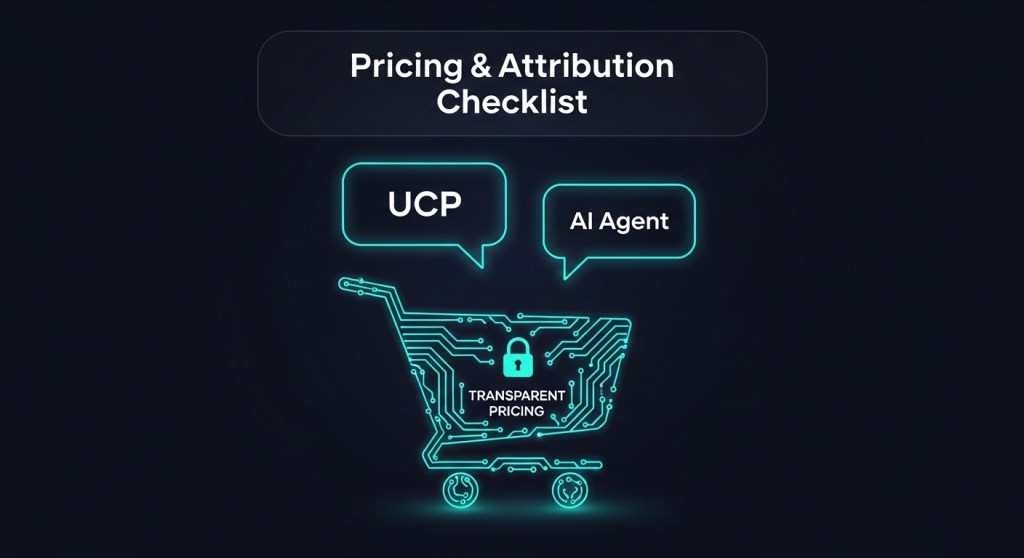
Stop ‘Surveillance Pricing’ Before It Starts: A Transparent UCP Playbook for Google Business Agent, Alexa+, and Qira
Agentic commerce just moved from talk to traffic. Google’s Universal Commerce Protocol (UCP) and Business Agent are live, Alexa+ is on the web via Alexa.com, and Lenovo’s Qira is rolling across devices. With shoppers checking out inside AI Mode and assistants, founders are asking two questions: How do we keep pricing transparent, and how do we measure the money?
This 48‑hour playbook gives e‑commerce teams a practical, copy‑paste path to ship transparent offers, nail consent, and attribute revenue across Google Business Agent, Alexa+, and Qira—without breaking your current SEO or checkout.
What changed this week (and why it matters)
- Google Business Agent + UCP: Brands can now answer questions—and complete purchases—directly in Search’s AI Mode. UCP standardizes identity, pricing, checkout, and order status.
- Alexa+ on the web: Alexa.com brings assistant shopping to browsers, not just Echo devices. Expect more assistant‑originated sessions hitting your catalog.
- Pricing transparency debate: As agents learn preferences, regulators and consumers are watching for unfair or opaque price differences. Policy, schema, and logs must prove parity.
Bottom line: you need pricing parity, explicit consent, and end‑to‑end attribution now. Here’s the fastest path.
The 48‑Hour Transparent UCP Checklist
1) Publish a pricing‑parity policy
Document a simple rule on your site: “Prices shown in assistants must match prices on our site for the same SKU, quantity, location, and time window.” Link it from your footer and order confirmation page. This sets an internal guardrail and external expectation.
2) Lock parity into your product schema
Ensure Offer and PriceSpecification reflect the same numbers used at checkout—including taxes, fees, and shipping logic where applicable. If you run promos, describe eligibility (new vs. returning customers) using structured data and do not expose assistant‑only markups.
3) Use UCP scopes with plain‑English consent
When requesting identity, payment, or order scopes, render concise, readable text: what you’re asking for, why, and how long you’ll retain it. Store a hash of the consent screen content alongside the user’s scope grant for auditability.
4) Expose receipts and order status via UCP
Return itemized line items, unit prices, discounts, tax, shipping, and totals. Provide a durable orderStatus endpoint and a public Returns & Refunds URL. This prevents disputes and reduces support load from agent‑originated orders.
5) Declare promotions explicitly
For loyalty or first‑order discounts, surface the rules in plain text and structured data. If personalization applies, disclose the inputs (e.g., loyalty tier) and give users a way to opt out without losing access to baseline pricing.
6) Log price parity and drift
Every time an agent checks out, capture SKU, price, timestamp, region, and the web PDP price at that moment. Alert if variance > 0.5% for non‑tax reasons. Investigate feed lag, rounding, or currency conversion.
7) Stamp AI‑origin traffic for analytics
Add deterministic parameters for assistants so attribution is unambiguous. Recommended values:
utm_source=ai
utm_medium=agent
utm_campaign=google-business-agent | alexa-web | qira
utm_term={{sku}}
utm_content={{conversation_id}}
If you run Shopify, map these to GA4 and your ads pixels so remarketing and ROAS models include agentic conversions.
8) Enable server‑to‑server conversions
Send a server‑side purchase event at order completion with the above UTM parameters and the agent’s order ID. This preserves attribution when checkout happens off‑site or inside AI Mode.
9) Ship a consent ledger
Store: user identifier (hashed), scopes granted, text snapshot, timestamp, assistant surface, and expiry. Provide a revoke endpoint and reflect that state back to agents. This satisfies user choice and simplifies audits.
10) Threat‑model your agent QA
Add negative tests to prevent unsafe or misleading behavior: price mismatches, out‑of‑stock upsells, hidden fees, and prompt‑injection attempts that alter cart totals. Fail the release if any “unsafe checkout” scenario passes.
11) Show total cost before commit
Always present taxes, shipping, and discounts prior to final confirmation. For subscriptions, include billing cadence and next‑charge date. This is both good UX and good risk management.
12) Publish the paper trail
Update your Privacy Policy and Terms with an Agents & Automations section: the data you exchange with assistants, who the seller of record is (you), pricing parity commitment, and how to contact support. Link from confirmation emails and agent receipts.
Shopify quick start (copy‑paste)
- UTM stamping: In your agent checkout handler, append the UTM set above to the
return_url. In GA4, create a channel grouping for Paid & Organic Agents so reports aren’t buried under “Other.” - Server events: Fire a server‑side
purchasewithagent_id(e.g.,google_ba) andconversation_id. For Meta CAPI and Google Ads, mirror the same IDs inevent_source_urlandcustom_data. - Parity checks: Nightly job: for top 1,000 SKUs, compare assistant offer price vs. live PDP. Alert in Slack if drift detected.
How to communicate pricing (so support doesn’t melt)
- On PDPs: “Seen a different price in an assistant? It should match this page. If not, tell us so we can fix it fast.”
- In agent replies: “This price matches our website for your region and today’s date.”
- In receipts: Include a one‑line parity statement and a link to your policy.
What to measure this month
- Agent share of revenue: % of orders with
utm_medium=agent. - Price drift incidents: Count and median resolution time.
- Consent revocations: Volume and reasons.
- Refund rate delta (agent vs. web): Should converge within 10–15% after two weeks.
Go deeper: step‑by‑step playbooks
- Google Business Agent: The 48‑Hour Shopify Playbook
- Claim Your Brand’s AI Sales Associate in Search
- AASO in 2026: Rank on Alexa.com and Qira
- 2026 AI Shopping Compliance Playbook
Common pitfalls we’re seeing (and easy fixes)
- Feed lag causes mismatched prices. Fix: push smaller, more frequent partial updates for high‑velocity SKUs; add a parity pre‑check on agent checkout.
- Personalized promos look like price discrimination. Fix: disclose eligibility, show the undiscounted price, and offer a clear path to qualify.
- Attribution gaps when checkout happens inside AI Mode. Fix: server‑to‑server events + required UTMs + agent order ID echo on the thank‑you page.
The founder takeaway
You don’t need a six‑month replatform to benefit from assistants. Ship parity, consent, and attribution this week, then iterate on merchandising and AASO. Teams that get transparent pricing right will earn trust—and win the agent ranking race.
Need help? Get a free UCP readiness check and implementation plan from our team of AI commerce specialists. Start here: HireNinja — or book a build sprint: UCP Audit.
 HireNinja: Blog
Leave a comment